Fitness tracker syncing gets messy when your watch, phone, treadmill, smart scales and training apps all write different versions of the same data. The fix is to choose one main health platform, connect devices in the right order and stop duplicate apps from overwriting each other. This guide explains how to sync a fitness tracker with multiple devices without creating step-count, calorie and workout duplicates.
Quick Answer: Choose Apple Health or Google Health Connect as your main hub, then connect your watch app, smart scales, gym equipment and training apps into that hub one at a time. Give only one app permission to write each data type where possible, and use Strava or Garmin Connect for training logs rather than as the master health record.
In This Article
- Why Syncing Matters
- The Big Three Health Platforms
- How to Sync Your Fitness Tracker With Your Phone
- Syncing With Gym Equipment
- Syncing With Smart Scales
- Connecting Multiple Apps Together
- Common Syncing Problems and Fixes
- Privacy and Data Sharing
- The Best Ecosystem for Multi-Device Syncing
- Frequently Asked Questions
Why Syncing Matters
A fitness tracker on its own gives you step counts and heart rate. Useful, but limited. When you sync it with your phone, a nutrition app, a smart scale, and your gym equipment, the picture becomes far more complete. You can see how your sleep (tracked by the watch) affects your resting heart rate (tracked by the watch), which correlates with your training load (synced from the gym app), and how all of that relates to your weight trend (synced from the scales).
The Single Dashboard Goal
The ultimate aim is a single app or platform where all your health data lives. Instead of checking Garmin Connect for runs, MyFitnessPal for food, Withings for weight, and Peloton for cycling — everything feeds into one view. Apple Health, Google Health Connect, and Strava can all serve as this central hub, depending on your devices.
Avoiding Double-Counting
The biggest practical problem with multiple fitness devices is double-counting. If your phone and your watch both track steps, and both sync to the same health app, your daily step count appears doubled. Proper syncing configuration prevents this by designating one device as the priority source for each data type.
The Big Three Health Platforms
Apple Health (iPhone)
Apple Health is the most seamless health data hub if you’re in the Apple ecosystem. It automatically receives data from Apple Watch, and most third-party fitness apps (Garmin Connect, Strava, MyFitnessPal, Withings, Peloton) can sync to Apple Health with a toggle in their settings.
The key advantage: Apple Health handles duplicate data intelligently. If both your iPhone and Apple Watch track steps, it automatically prioritises Apple Watch data and discards the phone’s count. You don’t need to configure this — it just works.
Google Health Connect (Android)
Google’s equivalent to Apple Health, launched in 2023 and now built into Android 14+. It connects Fitbit, Samsung Health, Garmin Connect, Strava, MyFitnessPal, and other apps. Health Connect acts as a permissions broker — you explicitly approve which apps can read and write which data types.
It’s less polished than Apple Health but improving rapidly. If you use a Samsung phone with a Galaxy Watch, Samsung Health feeds into Health Connect automatically. Garmin and Fitbit also support Health Connect natively.
Strava (Cross-Platform)
Strava isn’t a health platform in the same way as Apple Health or Health Connect — it’s an activity tracking and social fitness app. But it serves as a hub for workout data specifically. Garmin, Polar, Suunto, COROS, Apple Watch, and most gym equipment apps can auto-sync workouts to Strava. From Strava, data can flow onward to Apple Health or Health Connect.
For runners, cyclists, and swimmers, Strava is often the practical centre of their fitness data universe, even if Apple Health or Health Connect is the theoretical hub underneath.
How to Sync Your Fitness Tracker With Your Phone
Garmin
- Download Garmin Connect from the App Store or Google Play
- Create a Garmin account and pair your watch via Bluetooth
- In Garmin Connect settings, go to “Connected Apps” and enable Apple Health (iOS) or Health Connect (Android)
- Choose which data types to share: activities, steps, sleep, heart rate, body composition
Garmin syncs automatically whenever your phone is nearby and Bluetooth is active. A full sync typically happens within 5-10 minutes of finishing a workout.
Fitbit
- Download the Fitbit app
- Pair your device via Bluetooth
- Go to Account → Health Connect (Android) or Apple Health (iOS) and enable sync
- Select data categories to share
Fitbit’s integration with Google Health Connect is now seamless since Google acquired Fitbit. On iOS, the Apple Health sync works but has historically been less reliable — check that it’s still connected after app updates.
Samsung Galaxy Watch
Samsung Health is the default app. It syncs to Google Health Connect automatically on Samsung phones. For broader ecosystem connectivity, enable Strava sync in Samsung Health settings. On iOS, Samsung Health has limited integration — Samsung watches work best with Samsung or Android phones.
Apple Watch
No setup needed. Apple Watch syncs to Apple Health on your paired iPhone by default. All health data — workouts, heart rate, sleep, blood oxygen — flows automatically. Third-party apps like Strava, Nike Run Club, and fitness tracking apps can read this data with your permission.
Syncing With Gym Equipment
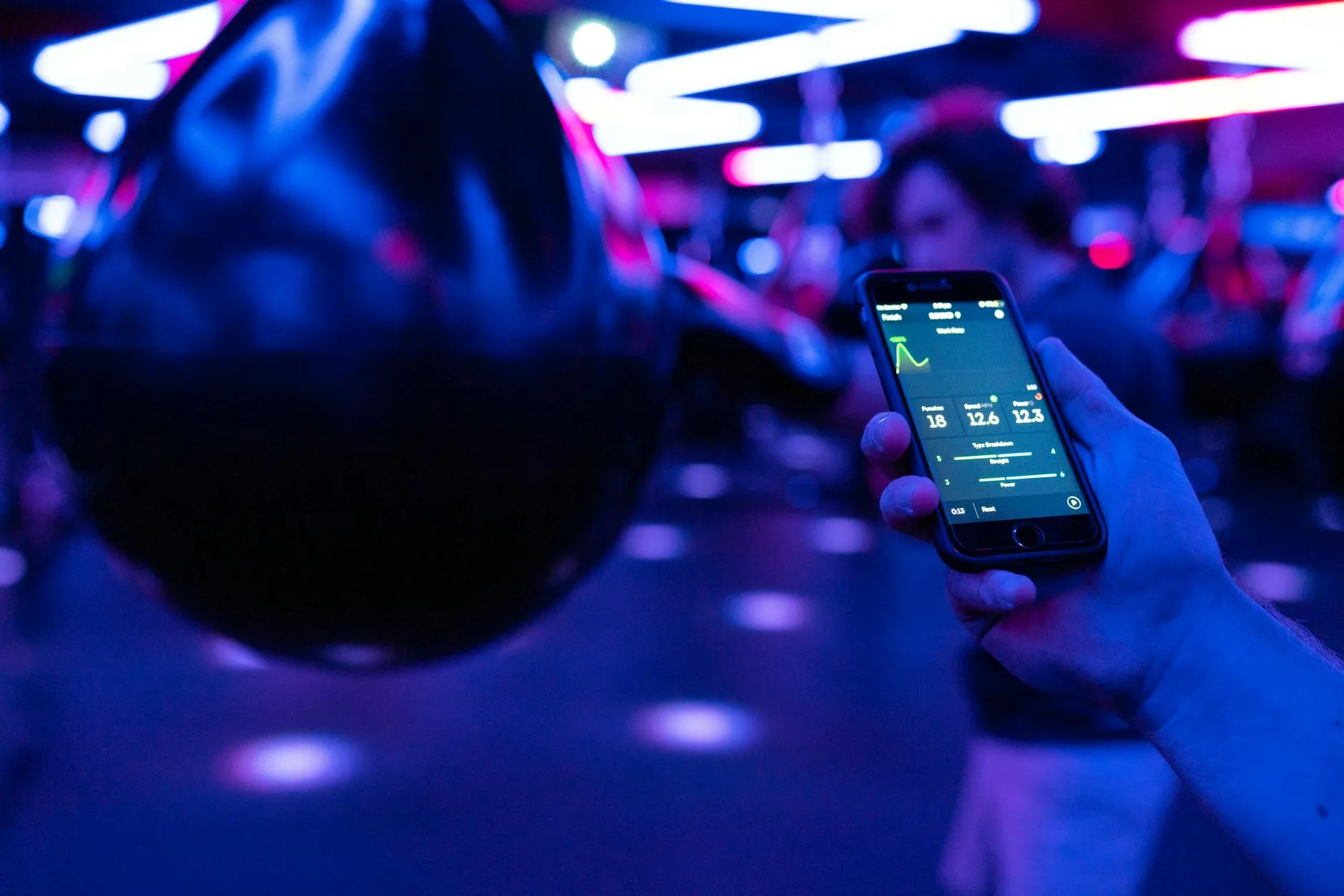
Modern gym equipment — treadmills, bikes, rowers, cross-trainers — increasingly supports Bluetooth and app connectivity. Here’s how to make it work with your tracker.
Bluetooth Heart Rate Broadcasting
Most fitness watches can broadcast your heart rate to gym equipment via Bluetooth. This means the treadmill shows your real-time heart rate on its screen without a chest strap. On Garmin, enable “Broadcast Heart Rate” in the sensors menu. On Apple Watch, use a third-party app like Gymaholic that enables broadcasting.
Peloton / Echelon / Zwift
These connected fitness platforms have their own apps and ecosystems. To sync with your main health platform:
- Peloton → syncs to Apple Health (iOS), Health Connect (Android), and Strava
- Zwift → syncs to Strava, Garmin Connect, and TrainingPeaks
- Echelon → syncs to Apple Health and Health Connect
Enable the sync in each app’s settings under “Connected Apps” or “Third Party Integrations.”
Non-Connected Equipment
Older gym machines that don’t have Bluetooth or Wi-Fi can still contribute data — just start a workout on your fitness watch before using the machine. Your watch tracks heart rate and duration. For more accurate calorie and distance data, use the appropriate workout profile on your watch (e.g., “Indoor Cycle” for a stationary bike, “Treadmill” for a treadmill without connection).
Syncing With Smart Scales
Smart scales add body weight, body fat percentage, and sometimes muscle mass data to your health profile. The main brands are Withings, Fitbit Aria, Eufy, and Renpho.
How They Connect
Most smart scales connect via Wi-Fi (not Bluetooth) to their own app, which then syncs to Apple Health or Health Connect. The data flow is: you step on the scale → data goes to the scale’s app → app syncs to Apple Health/Health Connect → your fitness tracker app reads the weight data from the health platform.
Recommended Setup
- Withings Body+ or Body Smart (about £70-100) — the best smart scale for ecosystem compatibility. Syncs natively to Apple Health, Health Connect, Garmin Connect, and Fitbit. Weight data appears in your Garmin or Fitbit app automatically.
- Renpho (about £25-35) — the budget option. Syncs to Apple Health and Health Connect. Less polished app but the core function (weight tracking) works reliably.
Body Fat Accuracy
A word of caution: smart scale body fat measurements use bioelectrical impedance, which is affected by hydration, time of day, and what you’ve eaten. The absolute number is unreliable — don’t obsess over whether it says 18% or 22%. The trend over weeks and months is useful though, and that’s what syncing to your health platform captures. According to the NHS guidance on healthy weight, BMI and waist circumference remain the most accessible health indicators for most people.
Connecting Multiple Apps Together
The Data Flow Diagram
The ideal setup creates a one-way flow where data moves from specialised apps to your central health platform:
- Fitness watch → Garmin Connect / Fitbit / Samsung Health → Apple Health / Health Connect
- Nutrition app (MyFitnessPal, Cronometer) → Apple Health / Health Connect
- Smart scale → Withings / Renpho → Apple Health / Health Connect
- Gym platform (Peloton, Zwift) → Strava → Apple Health / Health Connect
Each app writes its specific data type. Your health platform collects everything.
Third-Party Connectors
If two apps don’t sync natively, services like Health Sync (Android, about £3) and HealthFit (iOS, about £5) can bridge the gap. These apps read data from one health platform and write it to another — useful for connecting Garmin to Samsung Health, for example, or syncing Apple Health data to Google Fit.
Avoid Circular Syncing
Never set up two-way sync between apps that both track the same data type. If Garmin sends steps to Apple Health, and Apple Health sends steps back to Garmin, you create a feedback loop that doubles your step count. Always configure sync as one-way: source app → health platform. Not both directions.
Common Syncing Problems and Fixes
Data Not Appearing
The most common issue. Check these in order:
- Bluetooth connected? — your phone needs active Bluetooth to sync with your watch
- App permissions granted? — go to your phone’s settings and verify the fitness app has permission to write to Apple Health / Health Connect
- App up to date? — outdated apps sometimes lose sync capability after OS updates
- Force sync — open your tracker’s companion app and pull down to refresh. Most apps sync automatically but sometimes need a nudge.
Duplicate Activities
If the same workout appears twice (once from your watch, once from a gym machine), your health platform should deduplicate. Apple Health does this well. Health Connect is less reliable — you may need to manually delete the duplicate in the gym app.
Heart Rate Discrepancies
Your watch’s wrist-based heart rate and a gym machine’s grip sensors will show different numbers. Wrist-based optical sensors struggle during exercises with tight grip or rapid wrist movement (rowing, cycling). A chest strap (Polar H10, Garmin HRM-Pro, about £50-80) is more accurate and broadcasts to both your watch and gym equipment simultaneously.
Battery drain From Constant Syncing
Bluetooth and Wi-Fi syncing use battery. If your tracker’s battery life has dropped noticeably, check which apps are constantly requesting sync. Reducing sync frequency (from “real-time” to “every hour” or “manual”) extends battery life without losing data — it just arrives later.
Privacy and Data Sharing
What You’re Sharing
When you enable sync between apps, you’re allowing those apps to read and sometimes share your health data. This includes heart rate, location (GPS tracks), weight, sleep patterns, and activity levels. Most fitness apps have privacy policies that allow data to be used for “product improvement” and sometimes shared with third parties.
How to Control It
- Review app permissions regularly — both Apple Health and Health Connect show which apps have access to which data types. Revoke access for apps you no longer use.
- Disable location sharing where not needed — you don’t need to share GPS data with a nutrition app
- Use “share with app only” settings where available — some apps let you choose between sharing data with the app only or with the app and its partners
According to the Information Commissioner’s Office (ICO), UK data protection law gives you the right to request deletion of your personal data from any app or service. If you stop using a fitness app, you can request they delete your stored health data.
The Best Ecosystem for Multi-Device Syncing
If You’re All-Apple
Apple Watch + iPhone + Apple Health. The easiest, most seamless setup. Third-party apps integrate cleanly. Data deduplication works automatically. No configuration needed beyond enabling permissions.
If You’re All-Samsung/Android
Galaxy Watch + Samsung phone + Samsung Health + Health Connect. Near-Apple levels of integration within the Samsung ecosystem. Health Connect bridges to non-Samsung apps.
If You Mix Brands
A Garmin watch with an iPhone, or a Fitbit with a Samsung phone, or any cross-brand combination. This works but requires more manual configuration. Garmin Connect and Fitbit are both excellent at syncing to Apple Health and Health Connect — the setup just takes an extra 5 minutes.
The Practical Winner
For most people, the best ecosystem is the one they already own. Switching from Android to iPhone (or vice versa) just for better fitness syncing isn’t worth the cost and disruption. Whatever phone you have, configure it as the central hub and sync everything to its native health platform.
Frequently Asked Questions
Can I use a Garmin watch with an iPhone? Yes. Garmin Connect for iOS works well and syncs to Apple Health. You won’t get the full Apple Watch integration (Siri, Apple Pay, iMessage notifications), but for fitness tracking and health data, Garmin on iPhone is a popular and reliable combination.
Why is my step count different on my watch and phone? Your watch and phone use different sensors and algorithms. The watch measures wrist movement; the phone measures pocket or bag movement. To avoid confusion, designate one device as your step source in Apple Health or Health Connect settings, and ignore the other’s count.
Do I need Wi-Fi to sync my fitness tracker? Not usually. Most fitness trackers sync to your phone via Bluetooth, which doesn’t require Wi-Fi. The phone then uses Wi-Fi or mobile data to sync that information to cloud-based apps. Your tracker and phone can sync anywhere Bluetooth works — at home, at the gym, outdoors.
Can I sync my fitness tracker to multiple phones? Most trackers can only be paired with one phone at a time. If you switch phones, you’ll need to unpair from the old phone and pair with the new one. Your historical data is stored in the cloud (Garmin Connect, Fitbit, etc.) and transfers automatically when you log in on the new phone.
Is it worth paying for premium fitness app subscriptions? It depends on your goals. Free tiers of Garmin Connect, Fitbit, and Samsung Health provide all the syncing and basic tracking most people need. Premium tiers (Fitbit Premium at about £8/month, Strava Summit at about £7/month) add training plans, advanced analytics, and coaching features that benefit serious athletes but aren’t necessary for general fitness.