You’ve been eyeing up fitness trackers for weeks now, scrolling through Amazon reviews at midnight, comparing Garmin versus Fitbit versus Apple Watch versus about fifteen other options you’d never heard of until Tuesday. Meanwhile, your running mate is showing you her weekly stats on her phone and you’re standing there with nothing but a vague feeling that you ran “about 5K” yesterday. It was probably closer to 4.
The fitness wearable market in the UK has gone from a niche tech toy to a genuine training tool in the space of a few years. But the sheer number of options — and the marketing jargon that comes with them — makes choosing one feel like sitting an exam you didn’t revise for. Heart rate variability, SpO2 sensors, training readiness scores… do you actually need any of that, or is a £30 step counter from Argos going to do the same job?
The honest answer depends entirely on what you’re trying to achieve. A casual walker needs something completely different from a marathon runner, and both need something different from someone doing CrossFit three times a week. So before you spend £400 on a Garmin Fenix because it looks impressive, let’s work out what you actually need.
What Counts as a Fitness Wearable?
This might sound obvious, but the category has blurred considerably. Fitness wearables now include:
- Fitness trackers — basic bands that count steps, monitor heart rate, and track sleep. Fitbit Inspire, Xiaomi Mi Band, Huawei Band. Usually £20-80
- Sports watches — more advanced devices with GPS, workout modes, and detailed metrics. Garmin Forerunner, Polar Vantage, COROS Pace. Typically £150-500
- Smartwatches with fitness features — Apple Watch, Samsung Galaxy Watch, Google Pixel Watch. Do everything but don’t always specialise. £200-800
- Specialist trackers — devices focused on one thing: sleep (Oura Ring), recovery (WHOOP), swimming (Garmin Swim). Various prices
- Chest straps — heart rate monitors worn around the chest. Polar H10, Garmin HRM-Pro Plus. £50-100. More accurate than wrist sensors
Each type has its sweet spot, and the mistake most people make is buying more device than they need — or worse, buying an expensive device and only using it to check the time.
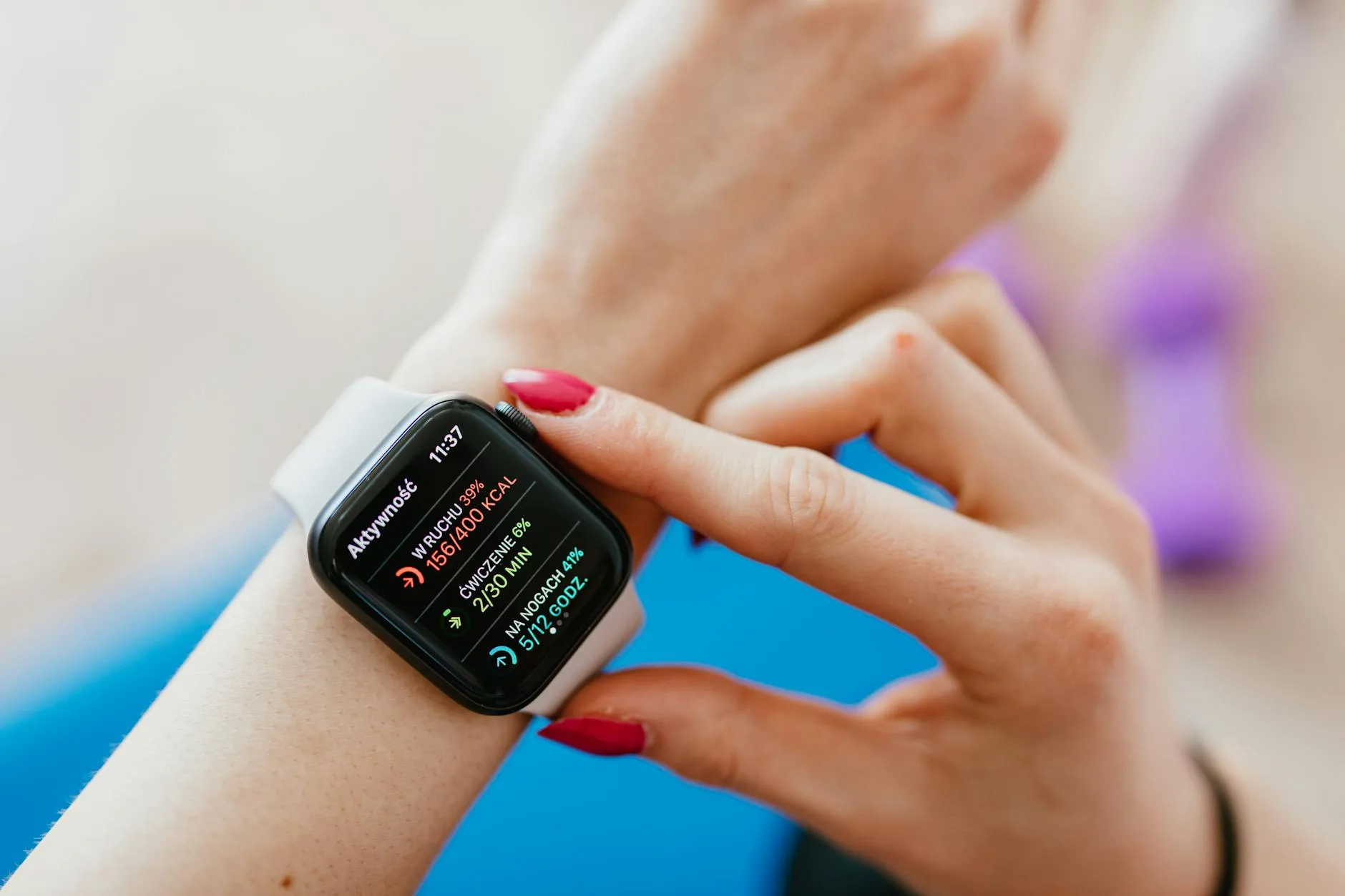
Heart Rate Monitoring: The Feature Everyone Wants
Every fitness wearable now includes heart rate monitoring. It’s become the baseline feature, like a camera on a phone. But the quality varies enormously.
Wrist-based optical sensors (the green lights on the back of the watch) have improved massively but still struggle with:
- High-intensity intervals — during HIIT or fast sprints, wrist sensors often lag 10-15 seconds behind reality. By the time the watch registers your heart rate spike, you’ve already moved to the rest period
- Darker skin tones — optical sensors work by measuring light absorption through skin. Darker skin absorbs more light, which can reduce accuracy. Most brands have improved this, but it’s still a factor
- Loose fit — if the watch moves on your wrist, the sensor loses consistent contact and readings become erratic. Tighter is better for accuracy
Chest straps remain the gold standard for heart rate accuracy. If you’re training by heart rate zones — which you should be if you’re serious about improving — a chest strap is worth the extra £50-80. The Polar H10 (about £65 from Amazon UK or John Lewis) is the go-to recommendation. It connects to your watch via Bluetooth and to gym equipment via ANT+.
For most recreational exercisers doing steady-state cardio or gym sessions, wrist-based monitoring is perfectly fine. You don’t need lab-grade accuracy to know you’re working hard.
GPS: Essential for Runners, Optional for Everyone Else
Built-in GPS is the main thing separating a fitness tracker from a sports watch, and it’s the main reason sports watches cost more.
If you run, cycle, or do outdoor activities where you want to track distance, pace, and routes, GPS is non-negotiable. Relying on your phone’s GPS (which some cheaper trackers do via “connected GPS”) means carrying your phone, which defeats the purpose for many people.
GPS quality varies between brands:
- Garmin — consistently the best GPS accuracy. Their multi-band GPS in the Forerunner 265 and above is excellent in tree cover and urban canyons
- COROS — very close to Garmin in accuracy, often at a lower price. The COROS Pace 3 (about £230) is hard to beat for value
- Apple Watch — good GPS but battery drain is aggressive. Expect 5-6 hours of continuous GPS tracking on the Ultra, less on standard models
- Polar — solid GPS accuracy, good route tracking features
- Fitbit/Xiaomi — basic GPS that works for casual use but drifts in areas with tall buildings or dense tree cover
If you only exercise at the gym, you don’t need GPS at all. Save the money and get a tracker instead.
Battery Life: The Unglamorous Dealbreaker
Nothing kills the usefulness of a wearable faster than a dead battery. If you’re charging it every night, you can’t track sleep. If it dies mid-run, you lose your data. Battery life should be higher on your priority list than it probably is.
Realistic battery expectations by category:
- Basic fitness trackers — 7-14 days. Xiaomi Mi Band leads here with up to 14 days. Fitbit Inspire manages about 10 days
- GPS sports watches — 5-14 days in watch mode, 20-40 hours with GPS running. Garmin Forerunner 265 gets about 13 days / 24 hours GPS. COROS Pace 3 manages about 17 days / 38 hours GPS
- Smartwatches — 1-2 days for Apple Watch, 2-3 days for Samsung Galaxy Watch. This is the trade-off for all those smart features
- Ultra/endurance watches — 14-28 days in watch mode, 40-80+ hours GPS. Garmin Enduro, COROS Vertix. Prices to match
If you’re choosing between two otherwise similar watches, pick the one with better battery life. I promise you’ll value it more than a colour touchscreen after the novelty wears off.
Sleep Tracking: More Useful Than You’d Think
Sleep tracking has gone from a gimmick to one of the most valuable features in fitness wearables. Good sleep data changes behaviour in a way that step counts rarely do.
Modern sleep trackers measure:
- Sleep stages — light, deep, REM sleep. Useful for understanding sleep quality, not just duration
- Heart rate during sleep — your resting heart rate overnight is one of the best indicators of recovery and overall fitness
- Blood oxygen (SpO2) — can indicate breathing issues during sleep. Not a medical device, but useful for flagging potential problems worth discussing with your GP
- Sleep consistency — some devices track whether you’re going to bed and waking up at consistent times, which matters more for sleep quality than most people realise
The catch is that wrist-worn trackers need to be comfortable enough to sleep in. Bulky sports watches can be uncomfortable for side sleepers. If sleep tracking is important to you, try the watch on in the shop and consider whether you’d want it on your wrist for eight hours while you’re trying to sleep.
The Oura Ring (about £300 from oura.com) has become popular because it’s far less intrusive than a watch for sleep tracking. But it doesn’t do GPS or real-time workout tracking, so it’s a supplement, not a replacement.
Workout Modes and Gym Features
Most fitness wearables come with pre-loaded workout modes for common activities. Here’s what matters and what’s marketing fluff: For related guidance, see our How to Sync Your Fitness Tracker with Multiple Devices guide.
Actually useful modes:
- Running (outdoor/treadmill) — tracks pace, distance, cadence, heart rate zones. Treadmill mode uses the accelerometer when GPS isn’t available
- Cycling — similar to running but with cycling-specific metrics. Some watches pair with power meters and speed/cadence sensors
- Strength training — counts reps and identifies exercises (with varying accuracy). Garmin and Apple Watch do this reasonably well
- Swimming — waterproof watches can track laps, stroke count, and SWOLF scores. The Garmin Swim 2 and Apple Watch are strong here
- HIIT/circuits — tracks intervals, heart rate, and rest periods
Marketing fluff modes:
- Yoga/Pilates — basically just tracks heart rate and time. Your phone timer does the same thing
- Walking — you don’t need a specific mode to walk. The watch counts steps anyway
- Elliptical/cross-trainer — tracks heart rate and time. That’s all it can realistically measure
If you’re primarily a gym user, look for a watch that pairs with your chosen equipment and has reliable strength training tracking. The Apple Watch does this well, as do recent Garmin models with the Garmin Connect app.
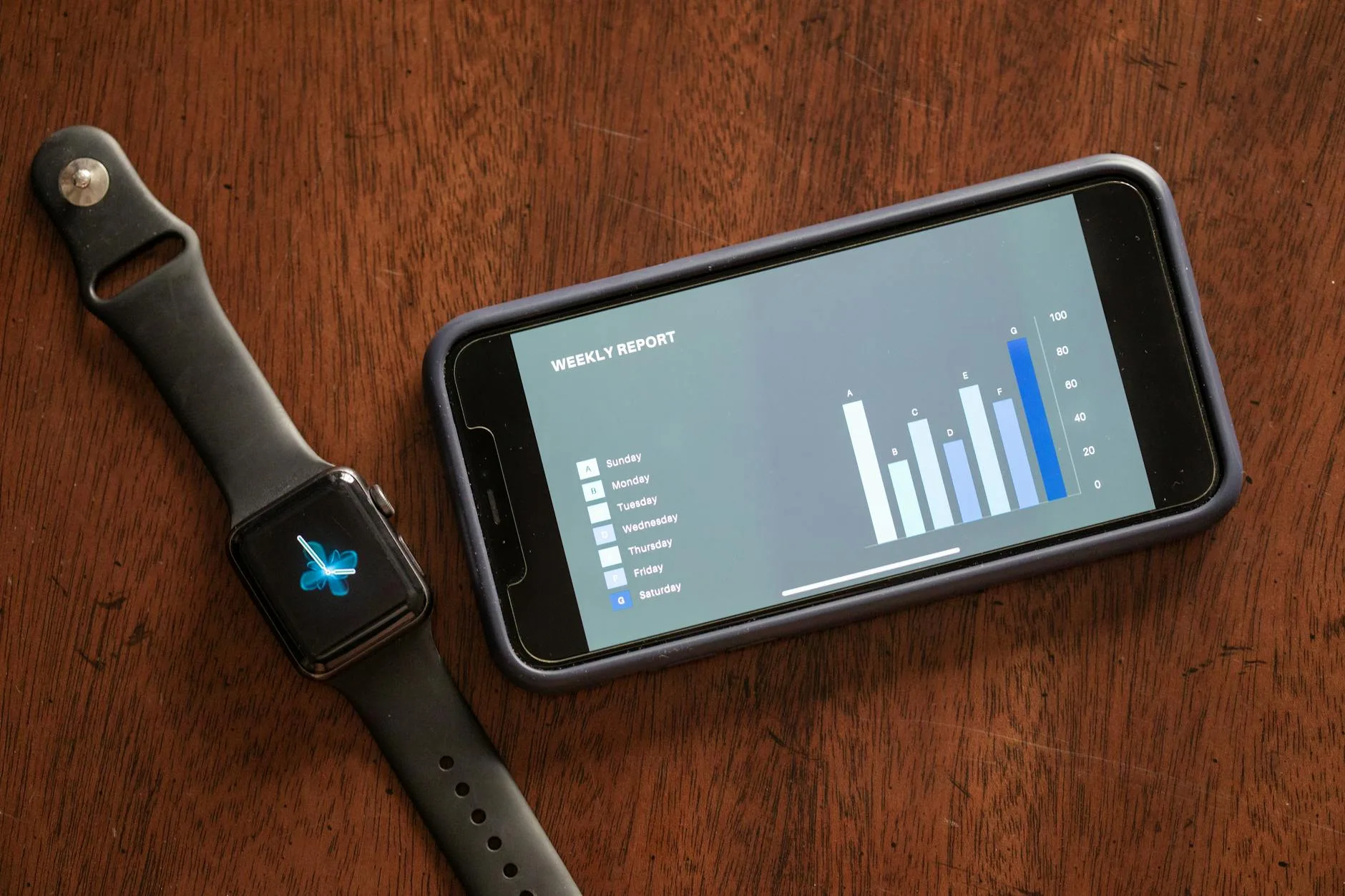
Ecosystem and App Quality
The wearable itself is only half the equation. The app that processes and displays your data matters just as much — possibly more, since you’ll interact with the app daily and the watch you’ll just wear.
App quality by brand:
- Garmin Connect — the most thorough fitness app. Deep data analysis, training plans, recovery metrics, performance trends. Steep learning curve but incredibly powerful once you understand it. Free
- Apple Health/Fitness — clean, intuitive, but relatively basic on analysis. Best integration with iPhone. Some features locked behind Fitness+ subscription (£9.99/month)
- Fitbit — user-friendly with good social features. Premium subscription (£7.99/month) gates some useful features like readiness scores and sleep insights. Annoying
- Polar Flow — excellent training analysis, particularly for running. Free and full
- COROS — clean app with good training plan integration. Free. Improving rapidly but still behind Garmin on depth
- Samsung Health — decent but inconsistent. Best features tied to Samsung phones
My advice: download the app before buying the watch. Spend ten minutes looking at the interface, the data it shows, and the features that are free versus paid. If the app frustrates you, the watch will too.
What to Spend: Budget to Premium
Here’s what each price bracket actually gets you:
Under £50 — Basic Tracker Xiaomi Smart Band 8 (about £25 from Amazon UK) or Huawei Band 9 (about £40). Steps, heart rate, sleep, notifications. No GPS. Limited workout modes. 10-14 day battery. Perfect if you just want step counts and sleep data. For related guidance, see our Fitness Tracker Battery Life: What to Expect guide.
£100-200 — Mid-Range Tracker/Watch Fitbit Charge 6 (about £130 from Argos or Amazon UK) or Amazfit GTR 4 (about £170). Built-in GPS, decent workout tracking, NFC payments, better screens. 7-14 day battery. Good for casual runners and gym-goers.
£200-350 — Serious Sports Watch COROS Pace 3 (about £230), Garmin Forerunner 265 (about £330), Polar Pacer Pro (about £250). Multi-band GPS, advanced training metrics, detailed heart rate analysis, long battery life. This is the sweet spot for committed recreational athletes.
£350-500+ — Premium/Ultra Garmin Fenix 8 (about £500+), Apple Watch Ultra (about £750), COROS Vertix 2 (about £450). Top-tier GPS, maps, extreme battery life, rugged build. Overkill for most people, perfect for ultra runners, triathletes, and outdoor adventurers.
For most people reading this, the £200-350 bracket is where the best value sits. You get proper GPS, good battery life, and training features that actually improve your fitness — without paying for mountaineering-grade durability you’ll never test. For wider safety context, NHS activity guidance is a useful reference.
Compatibility: Check Before You Buy
This catches people out more than it should:
- Apple Watch only works with iPhones. Full stop. Don’t buy one if you have an Android phone
- Samsung Galaxy Watch works best with Samsung phones but technically supports any Android phone. Some features are Samsung-exclusive
- Garmin, COROS, Polar, Fitbit — work with both iPhone and Android. No compatibility issues
- Xiaomi/Huawei — work with both but the Android apps are better than iOS equivalents
If you’re planning to switch phones in the next year or two, pick a platform-agnostic watch. Getting locked into Apple’s ecosystem for your fitness data is fine if you’re committed to iPhones forever, but expensive to escape from later.
Durability and Water Resistance
Most fitness wearables are rated for some water exposure, but the ratings are confusing:
- IP68 — survives submersion in fresh water to a specified depth (usually 1.5m for 30 minutes). Fine for rain, hand washing, and showers. NOT for swimming
- 5ATM — rated to 50 metres of static water pressure. Suitable for swimming and water sports. This is the minimum you want for pool use
- 10ATM — rated to 100 metres. Suitable for recreational diving and high-speed water sports
If you swim or plan to use the watch in the shower regularly, insist on 5ATM minimum. And regardless of the rating, don’t press buttons while the watch is submerged — that can force water past the seals.
For general gym use, even basic IP68 is fine. Sweat won’t damage any modern fitness wearable.
Setting Up a Home Gym? Your Wearable Fits In
If you’re building a home gym on a budget, a fitness wearable becomes even more valuable. Without a gym instructor or class structure, your watch provides the feedback and accountability that a commercial gym environment gives naturally.
Use your wearable to track workout consistency, monitor heart rate during circuits, and log your progress over weeks and months. The data doesn’t lie — if you’re showing up less often or your heart rate recovery is getting worse, you’ll see it in the trends.
Frequently Asked Questions
Is a fitness tracker worth it if I only walk? Yes, but you don’t need to spend much. A basic tracker like the Xiaomi Smart Band 8 (about £25) tracks steps, distance, heart rate, and sleep. That’s everything a regular walker needs. You don’t need GPS unless you walk unfamiliar routes and want mapping.
Can fitness wearables accurately count calories? Not really. Calorie estimates from wrist-based wearables are typically 20-40% off compared to lab measurements. Use them to track relative effort between workouts (did Tuesday’s session burn more than Thursday’s?), not as absolute numbers for calorie counting.
Do I need a chest strap as well as a watch? Only if you train by heart rate zones for performance improvement. For casual exercise, wrist-based heart rate is accurate enough. If you do interval training, running performance work, or competitive cycling, a chest strap like the Polar H10 (about £65) gives meaningfully better accuracy.
How often should I charge my fitness tracker? It depends on the device: basic trackers every 7-14 days, GPS sports watches every 5-14 days in watch mode (more often with heavy GPS use), and smartwatches daily to every other day. Charging before bed on a set day each week helps build a routine.
Are fitness trackers on the NHS? Not directly. The NHS doesn’t prescribe or provide fitness trackers. However, some NHS programmes and workplace health schemes offer subsidised trackers. Your GP might recommend one for monitoring conditions like atrial fibrillation, as some watches (Apple Watch, Samsung Galaxy Watch) have ECG features approved for medical use in the UK.